 ABS
ABSUltimaker
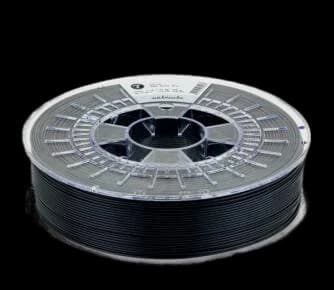
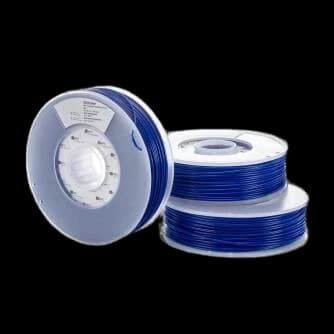
Ultimaker ABS Blue 2.85 mm 750 g
0.0(0 Reviews)
Blue
Since we frequently receive inquiries regarding the compatibility of Ultimaker filaments, we would like to inform you that this filament can be used in all Ultimaker printers. However, the built-in NFC chip can only be read by the Ultimaker 3 and the Ultimaker S5. Ultimaker ABS filament is considered one of the most user-friendly materials on the filament market. Owners of Ultimaker 3D printers, in particular, enjoy the benefits of maximum compatibility. The material was developed specifically for Ultimaker’s own devices. The Cura version released at the same time provides useful material profiles. The filament spool contains an integrated NFC chip that communicates material information and the remaining length of the filament directly to Cura. With this, even complex mechanical parts can be produced with ease. Visit the Ultimaker Troubleshooting website or our FAQs for helpful tips on troubleshooting and optimizing your 3D printing process.
Key Features
- High toughness and heat resistance
- Optimized for Ultimaker 3D printers
- Consistent 2.85 mm diameter
- Professional blue color
- Ideal for functional and mechanical parts
Lowest Price€49.68at IGO3D
1 offerTechnical Specifications
Material TypeThe base polymer type determines printability, strength, flexibility, and heat resistance
ABS
Print TemperatureRecommended nozzle temperature range. Stay within range for best layer adhesion and surface quality
250°C - 250°C